 support@cloudtechtiq.com
 +971 50 863 3545
Free self-paced, online training
Boost your career – choose from 600+ courses spanning multiple topics and roles on AWS Skill Builder
Learn More
Everything you need to access and manage the AWS Cloud — in one web interface


Boost your career – choose from 600+ courses spanning multiple topics and roles on AWS Skill Builder
Learn MoreJoin AWS experts for free, live training designed to help you prep for certifications and learn cloud skills
Learn MoreGet guidance for your AWS Certification journey aligned with cloud job roles
Learn MoreCreate and operate Kubernetes clusters on your on-premises infrastructure
Learn MoreBuild high-performance apps with a flexible, fully managed JSON database
Learn MoreBuild and run on-demand Apple workloads on AWS, the only major cloud provider to offer macOS
Learn MoreAWS Well-Architected provides a framework to help cloud architects build secure, high-performing, resilient, and efficient architectures. AWS Well-Architected helps cloud architects build secure, high-performing, resilient, and efficient infrastructure for a variety of applications and workloads. Built around six pillars—operational excellence, security, reliability, performance efficiency, cost optimization, and sustainability—AWS Well-Architected provides a consistent approach for customers and partners to evaluate architectures and implement scalable designs.

This tutorial shows you how to launch and configure a WordPress instance on Lightsail. It includes steps to connect to your instance by using SSH, sign in to your WordPress website,.
In this guide, you will learn how to deploy a containerized web application to Amazon Elastic Container Service (Amazon ECS) using AWS Copilot.
In this tutorial, you will create a simple web application. You will first build a static web app that renders "Hello World." Then you will learn how to add functionality to the web app so the text that displays is based .
Get started with AWS Free Tier: $100 USD credits at sign-up and up to $100 USD more to earn as you explore key AWS services. Test drive AWS services for free for up to 6 months.
Architecture diagrams are a great way to communicate your design, deployment, and topology.
To help you build diagrams, this page has Amazon Web Services (AWS) product icons, resources, and tools you can use. We allow customers and partners to use these toolkits and assets to create architecture diagrams.
AWS architecture icons are designed to be simple, so you can easily use them in diagrams. You can also put icons in materials like whitepapers, presentations, data sheets, and posters.
You can build diagrams with preexisting libraries on third-party tools. Check that you’re using up-to-date icons, because some libraries may contain legacy icon sets.
Architecture icon packages are released on a quarterly basis: Q1 (end of January), Q2 (end of April), and Q3 (end of July). No releases occur in Q4.
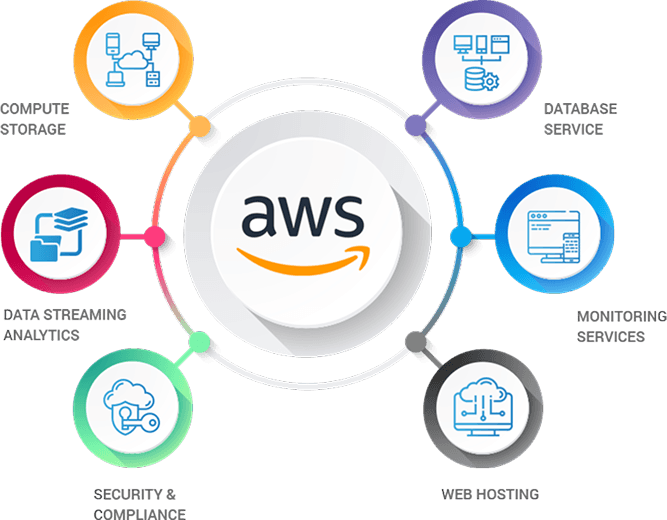
With AWS, you can use whatever CMS you like, including WordPress, Drupal, Joomla, and more. AWS also supports and provides SDKs for popular platforms like Java, Ruby, PHP, Node.js, and .Net.


Discover the future of AI-driven cloud performance and data security with NexaWave and AWS.

How advanced AI models are exploiting personal data and what it means for digital trust.

Thanks to employee feedback and career growth opportunities, NexaWave made the top 50.
No spam—just occasional updates on features, cloud tips, and offers. Unsubscribe any time.